iPhone Cases: How to Find the Right Fit for Your Model, from iPhone 15 to iPhone 18
by Sam N. • Oct 23, 2026
One of the most common case-buying mistakes is buying the wrong fit. You order a case that looks perfect, it arrives, and the camera cutout is in the wrong place, the buttons are misaligned, or the charging port is blocked. The reason is almost always the same: iPhone cases are model-specific, and the differences between generations are bigger than they look in photos.
This guide covers how to identify your iPhone model, what has changed between the iPhone 15 and iPhone 18 generations, and how to shop for a case that actually fits the phone you own.
1. Why iPhone Case Fit Is More Complicated Than It Looks
Apple's iPhone lineup has expanded significantly. In 2026, there are active users on iPhone 15, 15 Plus, 15 Pro, 15 Pro Max, 16, 16 Plus, 16 Pro, 16 Pro Max, 17, 17 Air, 17 Pro, 17 Pro Max, 18, and 18 Pro (the 18 Pro Max launched in fall 2026). Each of these models has different dimensions, camera arrangements, and button layouts.
A case listed for "iPhone" with no model number is not a real product. Every legitimate case is listed for a specific model. If a listing is vague, skip it.
2. How to Find Your Exact iPhone Model
The easiest way: Settings > General > About > Model Name. It shows you exactly which iPhone you have, down to the variant.
You can also check the back of the phone. On iPhone 14 and later, the model name is printed on the back in small text near the bottom.
Common confusion points:
- iPhone 15 and iPhone 15 Pro look similar from the front but have different camera systems and frame materials (aluminum vs. titanium)
- iPhone 16 Plus and iPhone 16 Pro Max are both large phones but are different sizes
- iPhone 17 Air is a new slim form factor not compatible with regular iPhone 17 cases
- iPhone 18 Pro and 18 Pro Max launched September 2026 and are not compatible with 17 Pro cases
3. What Changed Between iPhone 15 and iPhone 16
The iPhone 15 to 16 transition introduced two significant changes that affect case compatibility:
Camera Control button: The iPhone 16 added a new right-side button that operates as both a press and a swipe surface for camera functions. Cases for the iPhone 16 have a specific cutout for this. iPhone 15 cases have no cutout here, making them incompatible with the 16.
Action Button on standard model: The Action Button was on 15 Pro models only. With the iPhone 16, it came to the standard model. Cases for the 15 standard do not have an Action Button cutout.
Camera arrangement: The iPhone 15 standard has a diagonal camera arrangement. The iPhone 16 standard changed to vertical. This alone makes cases non-interchangeable.
4. What Changed Between iPhone 16 and iPhone 17
The iPhone 17 lineup introduced the biggest design change in years:
iPhone 17 Air: An entirely new slim form factor with different dimensions from every previous iPhone. It requires its own cases. Do not attempt to use an iPhone 16 case on the 17 Air.
Camera bar: The iPhone 17 Pro and 17 Pro Max introduced a rear camera bar design spanning the full width of the phone. This is a major dimension change. No iPhone 16 Pro case will fit the 17 Pro.
Frame material changes: The 17 Pro uses an updated titanium and glass combination with slightly revised dimensions.
5. What Changed Between iPhone 17 and iPhone 18
The iPhone 18 Pro and Pro Max launched in September 2026. Key changes affecting cases:
Updated camera system: The 18 Pro has a revised rear camera module shape. Cases designed for the 17 Pro will not fit correctly.
Slightly revised frame dimensions: Apple made minor adjustments to the frame radius and button positions. Even cases that look correct often have alignment issues.
If you have an iPhone 18 Pro or Pro Max, make sure the case is explicitly listed for the 18 Pro or 18 Pro Max, not the 17 Pro.
6. Quick Compatibility Chart
| Your iPhone | Compatible Cases | NOT Compatible |
|---|---|---|
| iPhone 15 | iPhone 15 only | 15 Pro, 16, 16 Pro |
| iPhone 15 Pro | iPhone 15 Pro only | 15, 15 Pro Max, 16 Pro |
| iPhone 16 | iPhone 16 only | 15, 16 Pro, 17 |
| iPhone 16 Pro | iPhone 16 Pro only | 16, 16 Pro Max, 17 Pro |
| iPhone 17 | iPhone 17 only | 16, 17 Pro, 17 Air |
| iPhone 17 Air | iPhone 17 Air only | 17, 17 Pro, all prior |
| iPhone 17 Pro | iPhone 17 Pro only | 16 Pro, 17, 18 Pro |
| iPhone 18 Pro | iPhone 18 Pro only | 17 Pro, 18, 18 Pro Max |
7. How to Read a Case Listing
When shopping online, look for these things in a case listing:
Exact model name in the title: "iPhone 16 Pro Max Case" is a good sign. "iPhone Case" or "Fits Most iPhones" is a red flag.
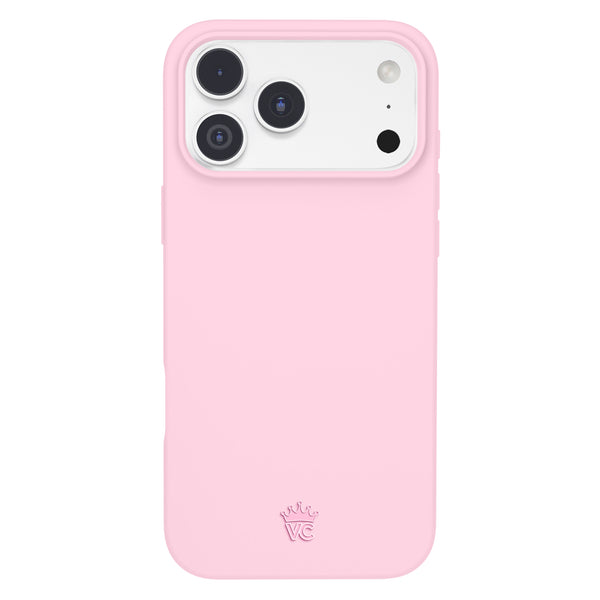
Camera cutout photos: A good listing shows the back of the case so you can see the camera cutout shape. If the listing only shows the front of the case, that's a warning sign.
Button placement: A case listing for a model with an Action Button should show that cutout clearly. If the case photos do not show the Action Button opening, it may be a mislisted product.
MagSafe compatibility statement: If you use MagSafe, the listing should explicitly state MagSafe compatibility and show the magnet ring.
8. Aesthetic Case Shopping by Model
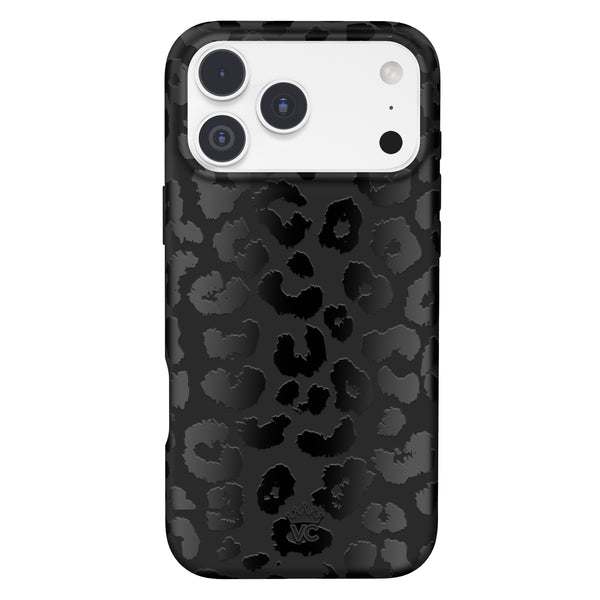
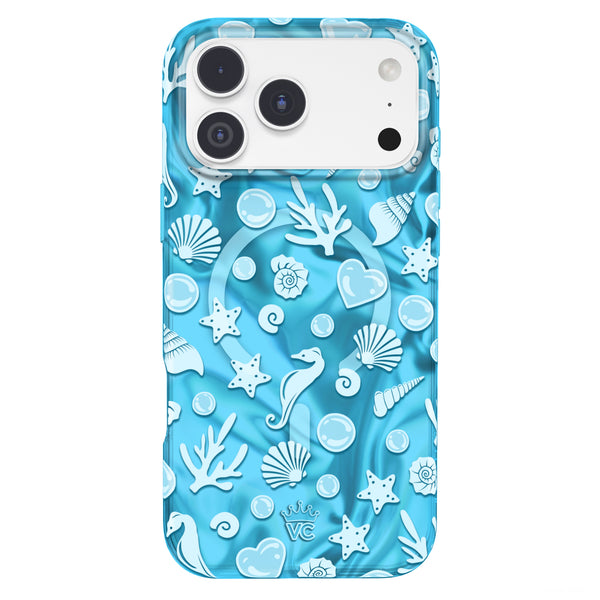
Once you have confirmed your model, you can shop for cases based on style. Velvet Caviar makes device-specific cases across the iPhone 15, 16, 17, and 18 generations. Each listing is built for the exact model, with cutouts tested against the real device.
For style guidance by aesthetic:
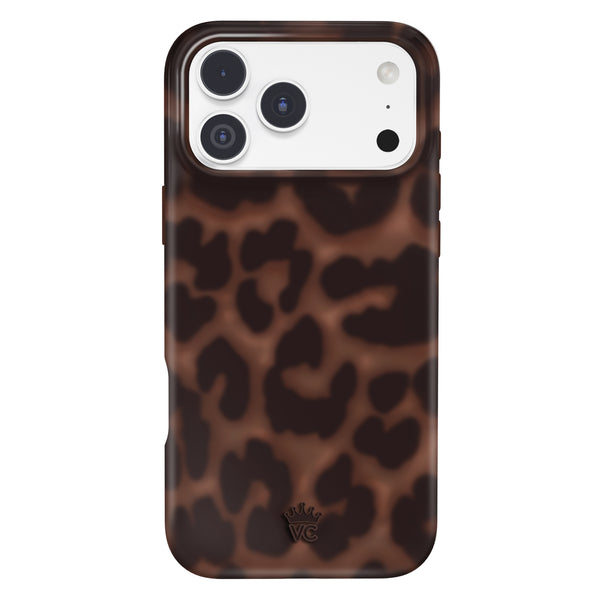
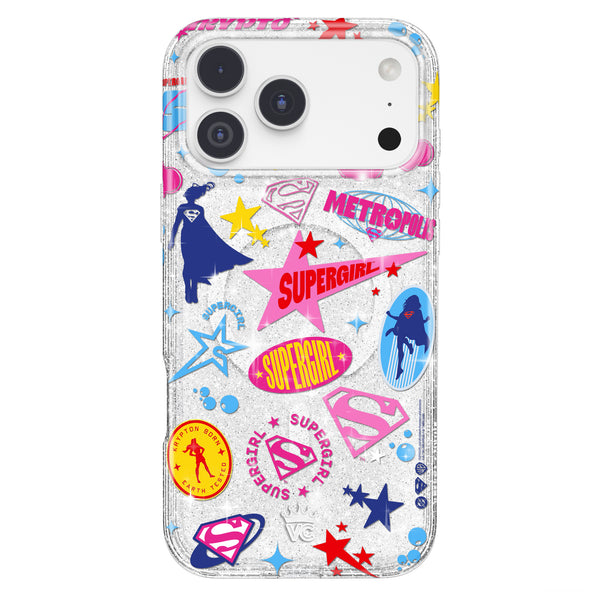
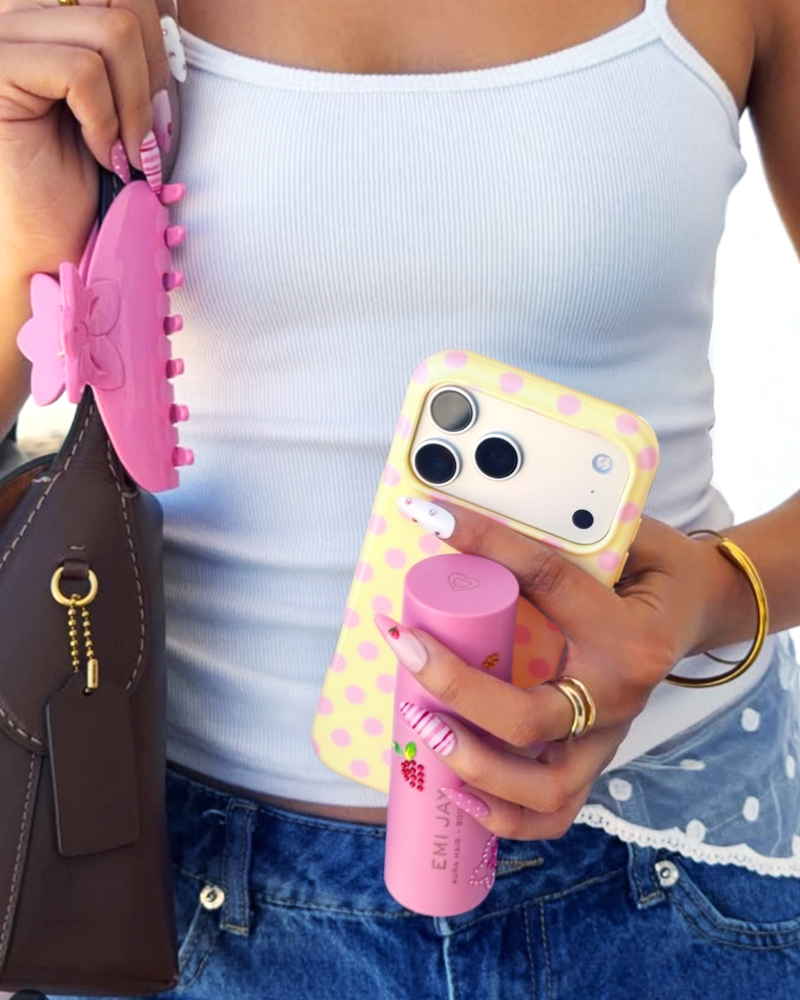
- Clear with embellishments (rhinestones, pearls): works on every iPhone model, shows the phone's original color
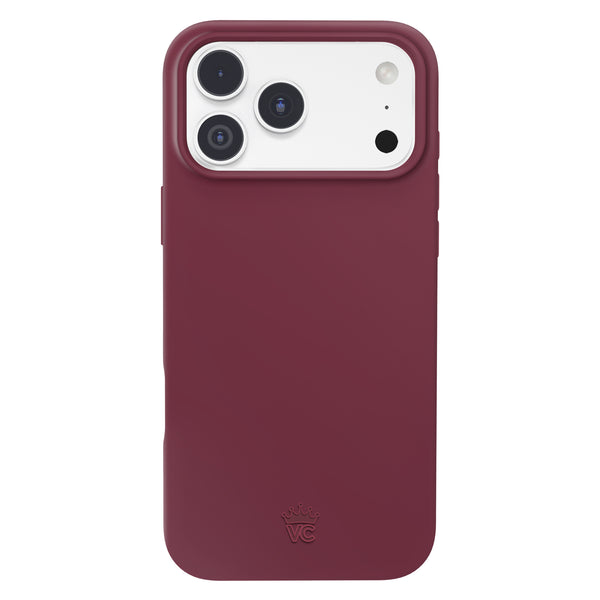
- Bold color solids: particularly effective on black iPhones where the color pops against the dark frame
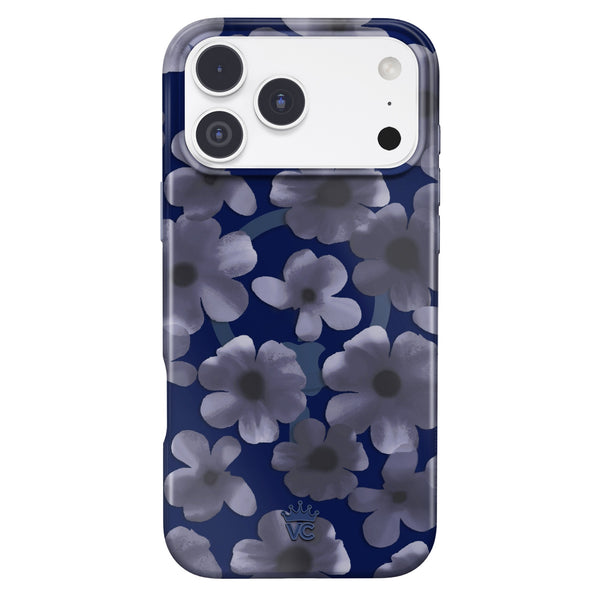
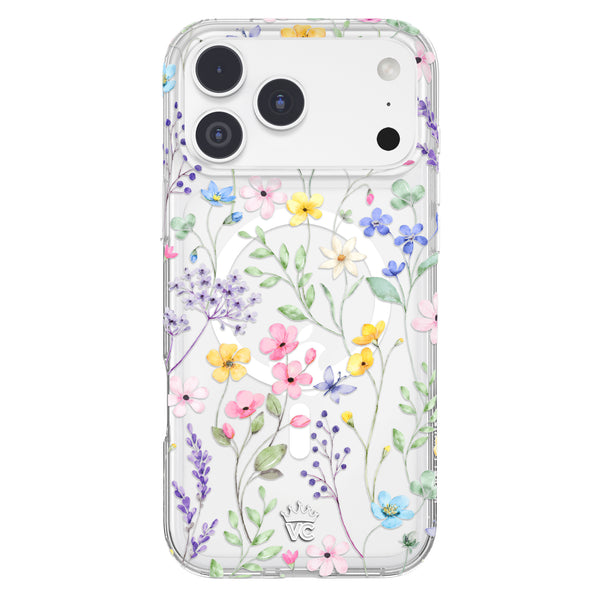
- Floral prints: timeless and available across all model generations
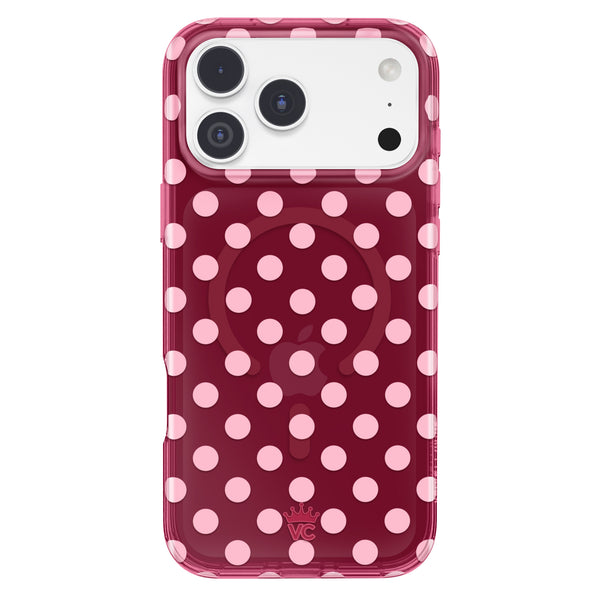
- Preppy patterns (argyle, stripe, plaid): model-agnostic in style, fits any frame color
Browse Velvet Caviar's glam cases and filter by your model to find designs that fit your phone and your aesthetic.
9. Avoid These Common Fit Mistakes
Buying a Pro case for a standard model: The Pro and standard iPhones in the same generation are different sizes and have different camera systems. A 16 Pro case does not fit an iPhone 16.
Buying a case for the previous generation: iPhone generations are not interchangeable. An iPhone 15 case does not fit an iPhone 16 even though the phones look similar.
Trusting a listing that says "fits 15 and 16": This is not possible due to different button and camera positions. Any listing making this claim is inaccurate.
Ordering based on size only: Even if two phones are the same overall size, different button positions and camera arrangements make their cases non-interchangeable.
Frequently Asked Questions
How do I find out which iPhone I have?
Go to Settings > General > About > Model Name. The model name is listed there. It is also printed in small text on the back of the phone near the bottom.
Will an iPhone 17 case fit the iPhone 16?
No. The camera bar design introduced on the 17 Pro and new dimensions across the iPhone 17 lineup make it incompatible with iPhone 16 cases.
Can I use an iPhone 15 Pro case on an iPhone 15?
No. The Pro and standard models have different camera layouts and slightly different dimensions even within the same generation.
Does Velvet Caviar make cases for older iPhones?
Yes, Velvet Caviar makes cases for iPhone 15, 16, 17, and 18 generations. Each listing specifies the exact compatible model.
What is the iPhone 17 Air and does it need a different case?
The iPhone 17 Air is a new slim-profile iPhone launched in 2026. It has unique dimensions and requires cases made specifically for the 17 Air. No prior iPhone case fits it.
Find the right case for your exact iPhone model at Velvet Caviar's case collection. Each listing is model-specific and clearly labeled.